

Smart Cabinet Lighting: Matter, Thread and Bluetooth
Plan connected cabinet lighting by separating light functions, local controls and the home network. Understand Matter, Thread and Bluetooth before choosing the complete system.
VOXAURA
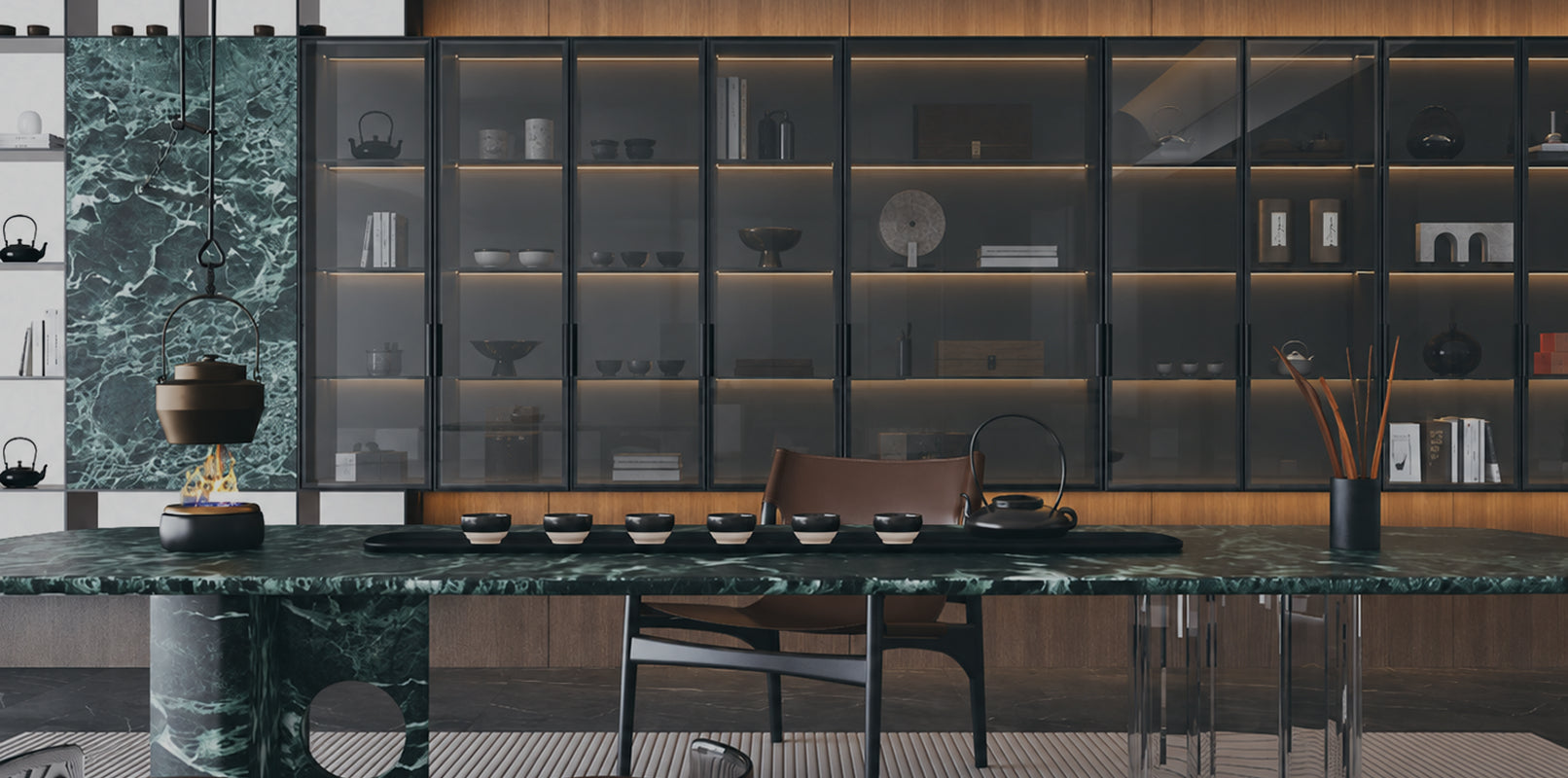
Smart cabinet lighting can bring kitchen worktop lights, display shelves and wardrobe lighting into the way you control a room. Start by choosing the functions you want, then match the lights, controller, power supply and home platform.
Matter, Thread and Bluetooth have different roles in that arrangement. Understanding those roles helps you ask useful questions before buying and keeps the final installation easier to use.
Start with what you want the lights to do
Write down a few everyday actions. You might want to dim a display cabinet from a remote, change the white appearance of kitchen task lighting, or include selected cabinet lights in an evening scene.
These requirements determine the light and control hardware. A fixed-white light can change brightness only if its product and control arrangement support dimming. Adjustable white needs the corresponding light channels and controller. Coloured-light functions need the appropriate colour system.
Consider how the lights should work when a phone is unavailable. A suitable physical switch or remote can provide a convenient everyday control point. Decide whether a door or motion sensor should operate the cupboard locally, trigger a wider household action, or both.
Those are separate capabilities to confirm.
What do Matter, Thread and Bluetooth each do?
| Technology | Role in the system | What to ask |
|---|---|---|
| Matter | Defines interoperable device functions and control within supported home platforms | Which functions does this exact product expose in my chosen platform? |
| Thread | Provides the wireless IP network used by Matter-over-Thread devices | What Thread network and border-router arrangement does the installation require? |
| Bluetooth | Can support device setup and product-specific local wireless control | Does this switch control the lights locally, and what is its pairing procedure? |
Matter is a smart-home standard supported by major platforms. Thread is a low-power wireless mesh network over which compatible devices can communicate. They describe different layers of the system. The Thread Group's explanation sets out that networking role.
Bluetooth also needs context. Matter can use Bluetooth Low Energy during setup, while a manufacturer may use Bluetooth for a local switch-to-controller link. One role does not establish the other product's capabilities.
In the VoxAura configuration discussed here, the wireless switch or remote provides local Bluetooth control. Matter-over-Thread integration is provided by the compatible Matter-enabled control equipment.
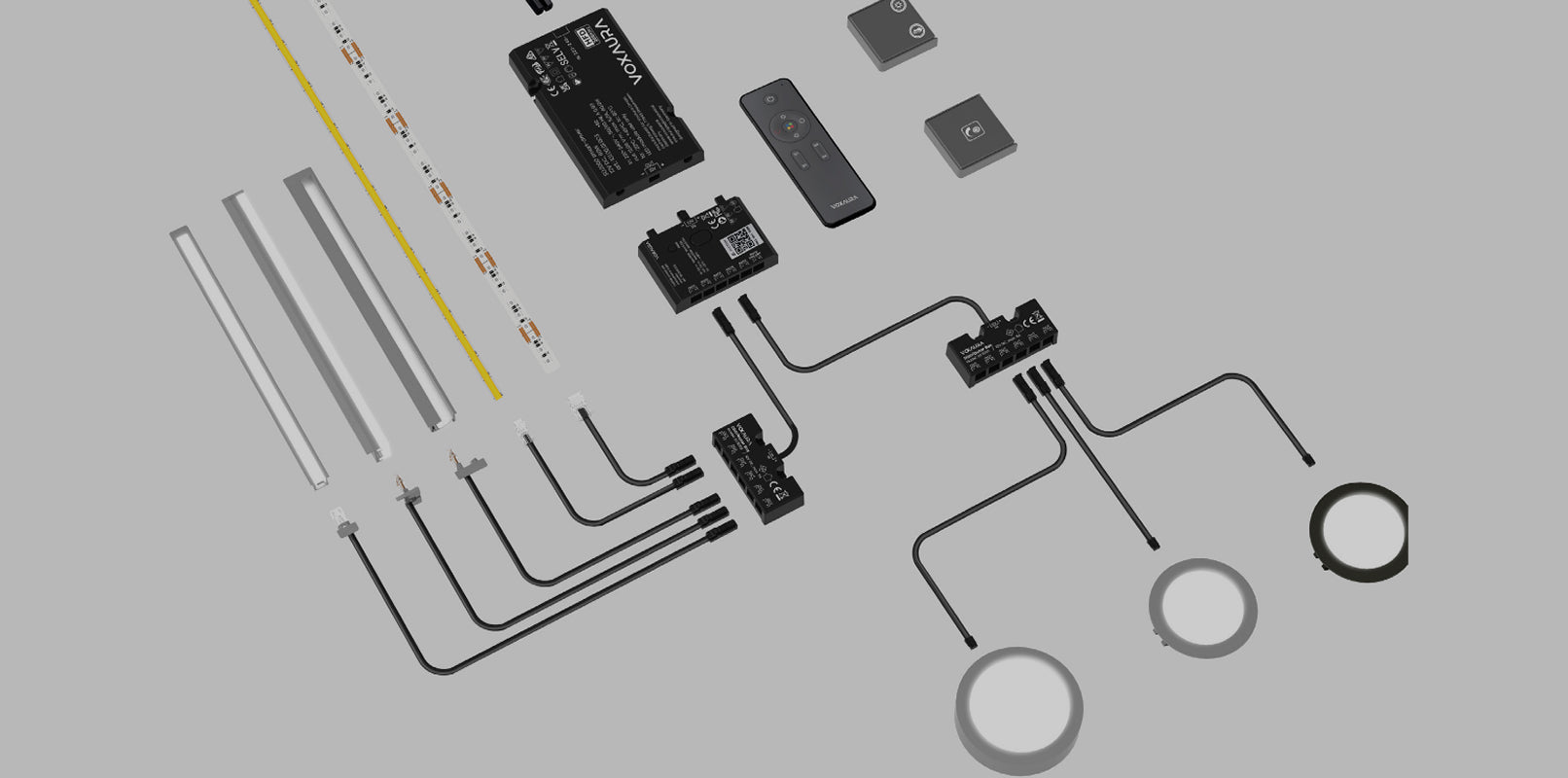
How a VoxAura smart cabinet-lighting system fits together
The modular VoxAura route separates supply, control and lighting:
- The smart driver provides power.
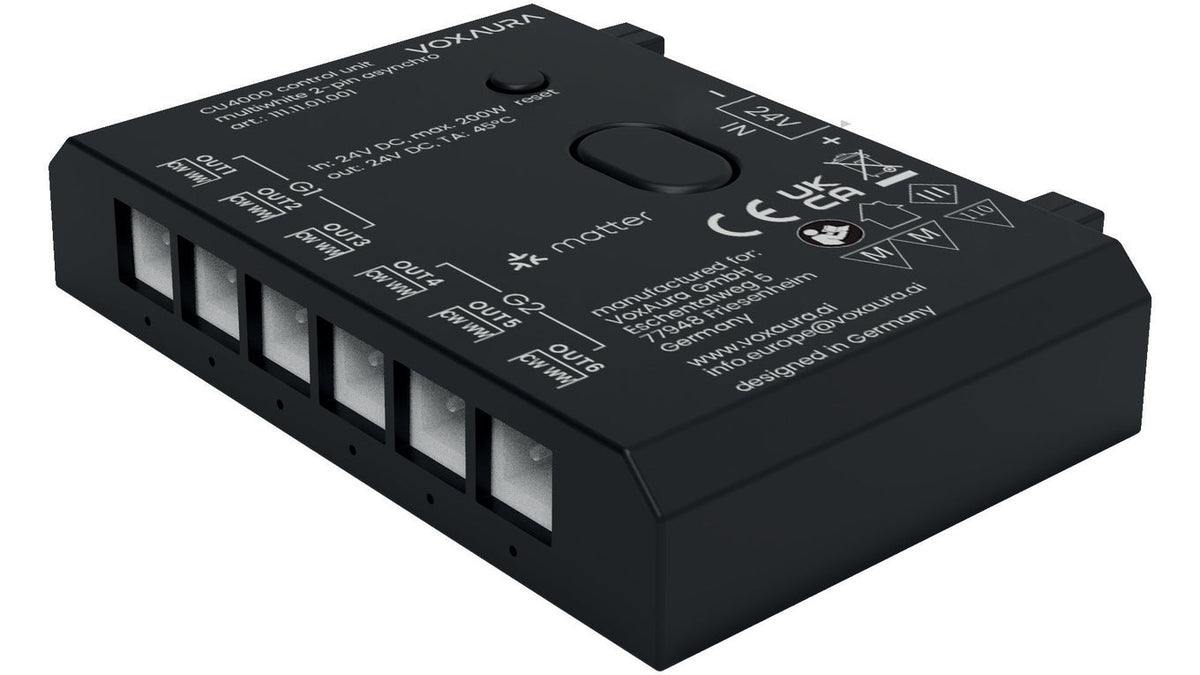
- A compatible control unit operates the supported light outputs.
- The matching lights connect to that unit.
- A compatible wireless input provides local control.
- The appropriate home-network setup supports platform control through Matter over Thread.
The selected control unit must match the lighting system and required grouping. The same pin count alone does not make fixed-white and tunable-white products interchangeable.
Wireless control also needs wired power. The switch can send its instruction without a control cable, while the driver, controller and lights still need their specified electrical connections. Plan those routes while the cabinetry is being designed.
Do you need a hub or Thread Border Router?
For the VoxAura Matter-over-Thread configuration described in the product materials, plan for a compatible Matter controller and an available Thread Border Router. A suitable home device may perform both roles.
A regular Wi-Fi router does not automatically provide them. Confirm the exact hub or border-router model, the target platform and the current setup instructions with your supplier.
Platform options continue to develop. For example, Apple documents local pairing and control options on supported Thread-enabled iPhones, while recommending a home hub for the best experience. That does not establish compatibility with every accessory or replace a product-specific installation check.
Record the intended platform and equipment before ordering. This is more useful than relying on a collection of platform logos.
Lighting groups, scenes and automations
These terms answer three different questions:
- Group: Which controllable lights should respond together?
- Scene: What settings should those lights recall?
- Automation: What event should trigger the action?
A kitchen example might have a preparation group and a display group. A cooking scene could set supported task lights to a useful brightness. An evening scene could dim the display group.
These are planning examples. Their operation depends on the light capabilities, independent hardware groups and the platform's supported functions.
A platform group cannot create an independent output that the controller lacks. Extra sockets or a distributor also do not automatically create more zones. Establish the required hardware grouping before building scenes in the app.

Can a cabinet sensor trigger the rest of the home?
Confirm whether the sensor event reaches the home platform.
A local sensor may operate its paired cabinet lights without appearing as an independent door or motion sensor in the platform. Its ability to turn on a cupboard light therefore does not prove that it can trigger blinds, heating or other rooms.
Ask for a demonstration of the exact event you need. If the platform cannot receive it from the selected product, the design may need a separate compatible sensor.
Likewise, a sensor-controlled drawer or hanging-rail light can have its own supply arrangement. In the Australian catalogue, PL4005 and PL4006 sensor products are non-dimmable. Including other cabinet lights in a scene does not give those products additional functions.
What happens when the internet or power is off?
Test these conditions separately.
Internet unavailable: Local Matter communication and away-from-home access have different requirements. Whether a particular scene or automation continues depends on where it runs and the other services it uses.
Home hub or border-router unavailable: The affected platform or network path may stop working. An already configured, compatible local Bluetooth control uses a different path; confirm its actual behaviour.
Power to the driver switched off: The controller cannot respond while it has no supply. An app command cannot restore a physically disconnected power feed.
Power restored: Check the light state, stored settings and sensor behaviour for the installed firmware. Products and platforms can handle restoration differently.
The Connectivity Standards Alliance's Matter FAQ explains that Matter is local connectivity. Away-from-home control of a Matter-only device requires an appropriate internet-connected controller in the home. Remote access also depends on the selected platform and account setup.
Ask for a short commissioning demonstration
Before the project is complete, check the actions you will actually use:
- Operate each intended group from its physical control.
- Test the supported dimming and white-light or colour functions in the chosen platform.
- Recall the everyday scenes and confirm which lights respond.
- Check that any sensor-triggered household action receives the required event.
- Test local operation, remote access and power recovery as separate tasks.
Keep the product models, controller firmware, home equipment and group names with the project records. This makes later support more direct.
Frequently asked questions
Can ordinary cabinet lights become smart?
Compatible low-voltage lights can be controlled through the appropriate smart controller. Check the electrical requirements, light channels, dimming and connections as a complete system.
Does Matter mean every platform has the same features?
The exact device functions and platform implementation determine the result. Confirm the features you need in the intended home setup.
Can I keep using a physical switch?
A supported local switch or remote can form part of the design. Confirm pairing, supported functions and how it interacts with scenes.
Will smart cabinet lighting work without a phone?
A suitable local control arrangement can provide everyday operation. Choose and test that arrangement alongside any app functions.
Planning connected cabinet lighting?
Talk to Knox System about a VoxAura configuration for your cabinetry and home platform. Bring the required lighting functions, independent zones and existing home equipment so the complete system can be matched to the way you want to use it.